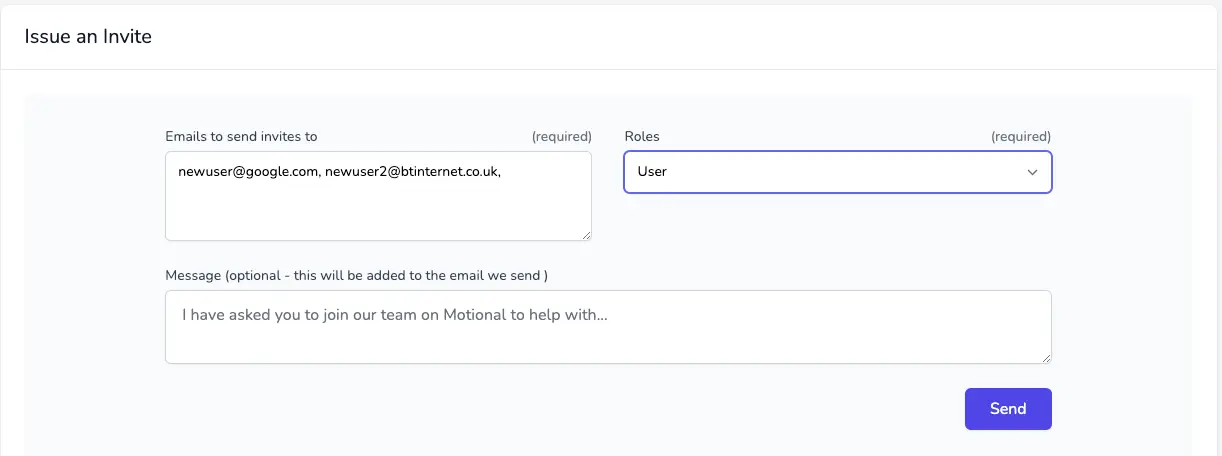
You can now add multiple new users.
As before, head to the Team Members page. Now you can add multiple users; separate each user email address with a comma:
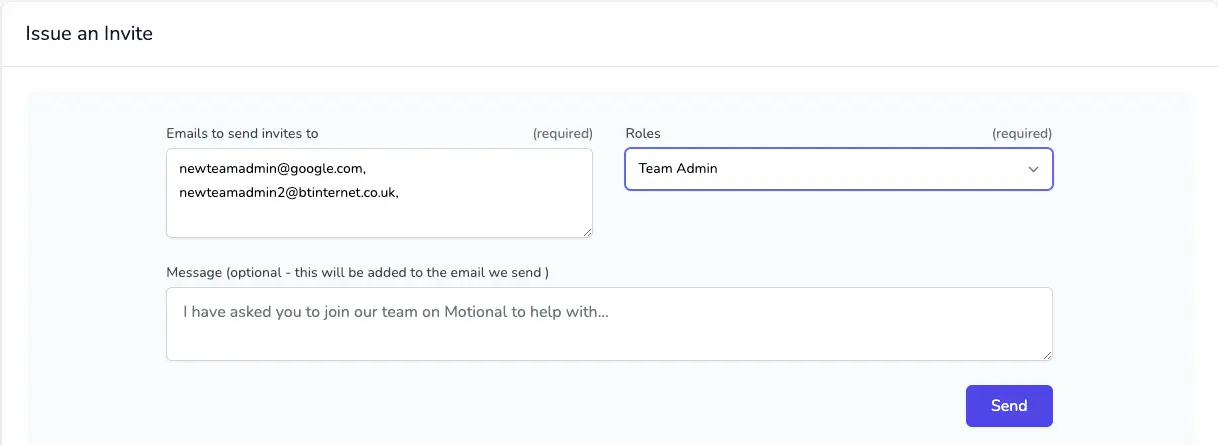
You can also add multiple Team Admins using the same process by selecting the Team Admin option:
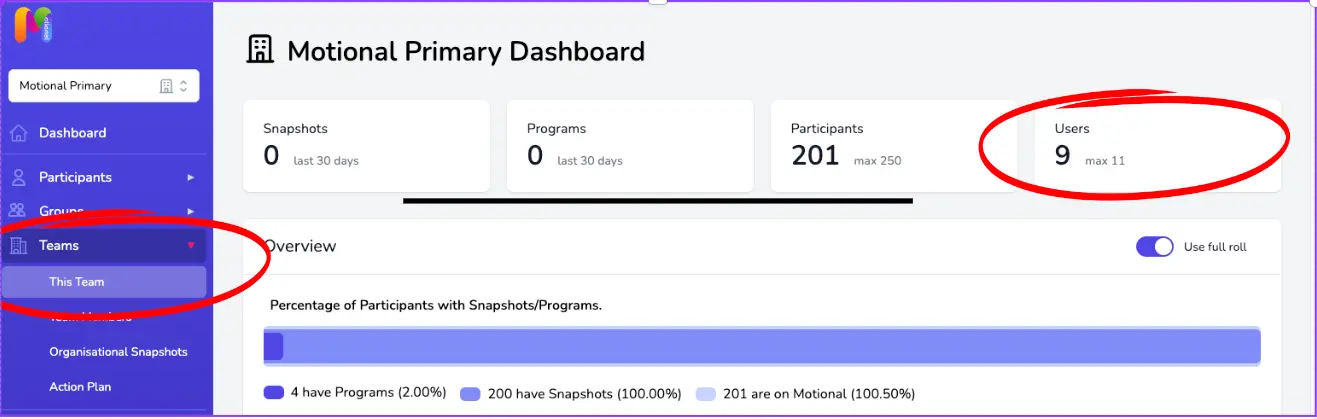
You can see how many users you have enrolled on your Team Profile page, found by clicking on Team and then This Team on the Blue Sidebar: